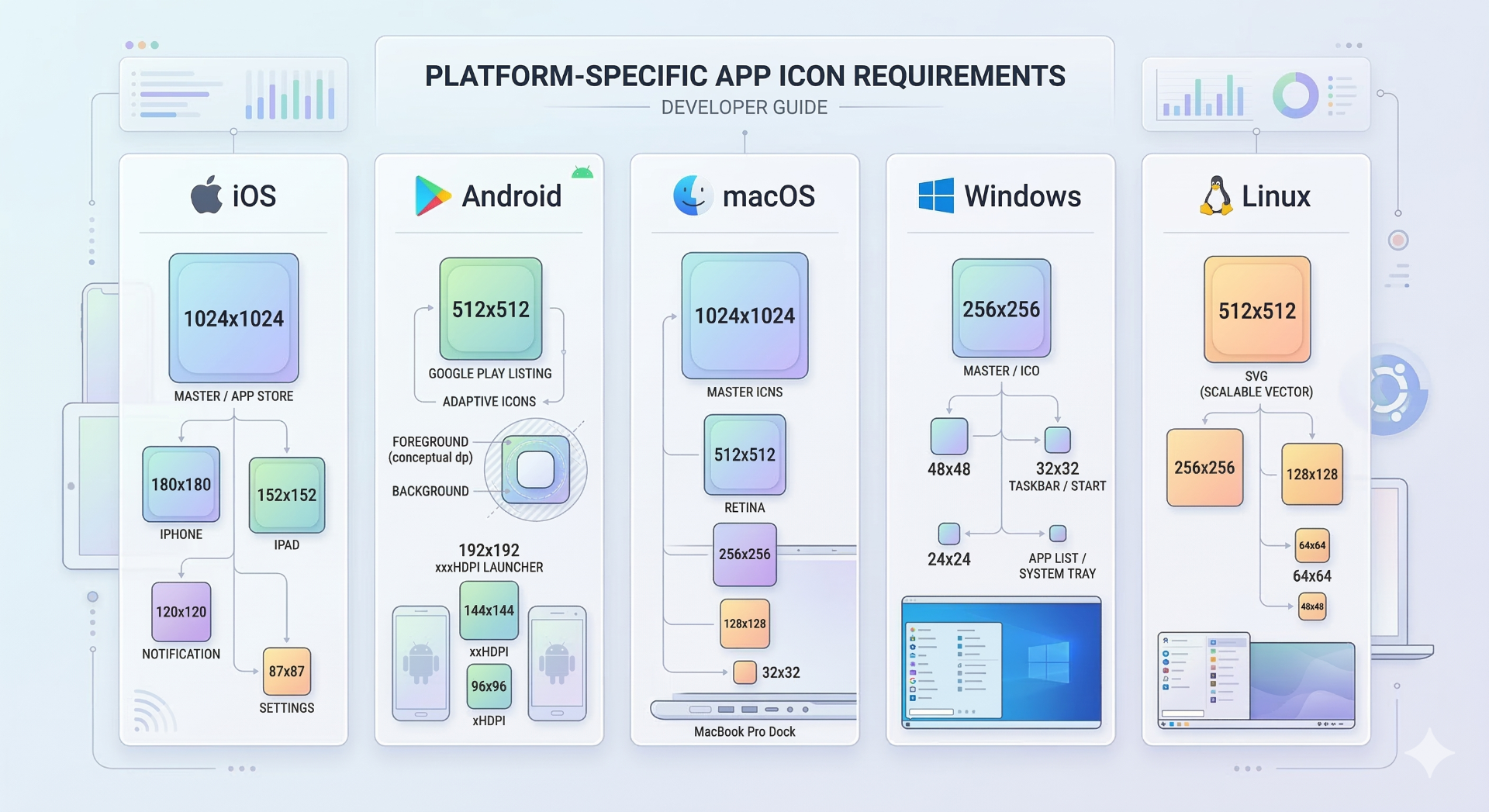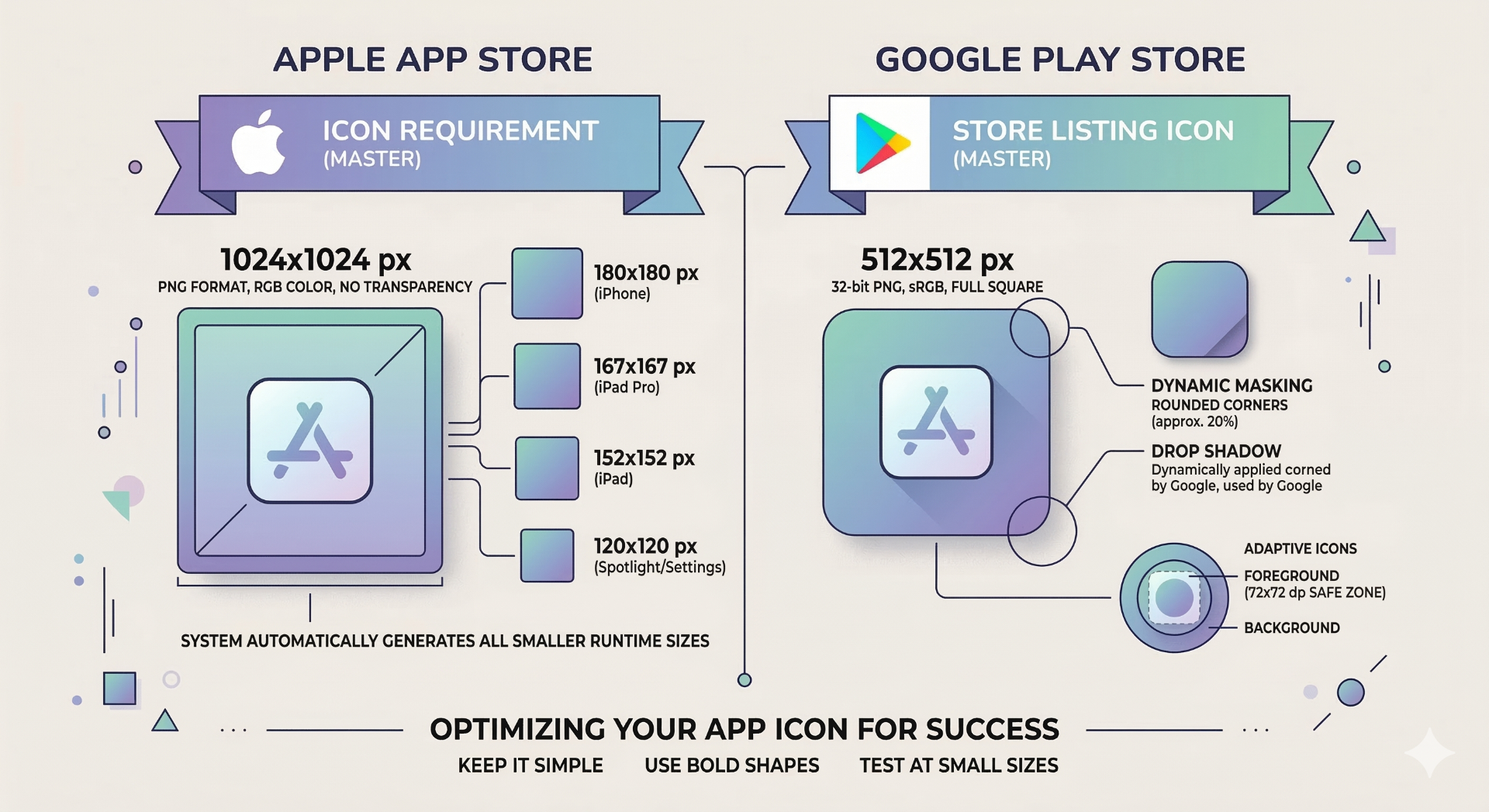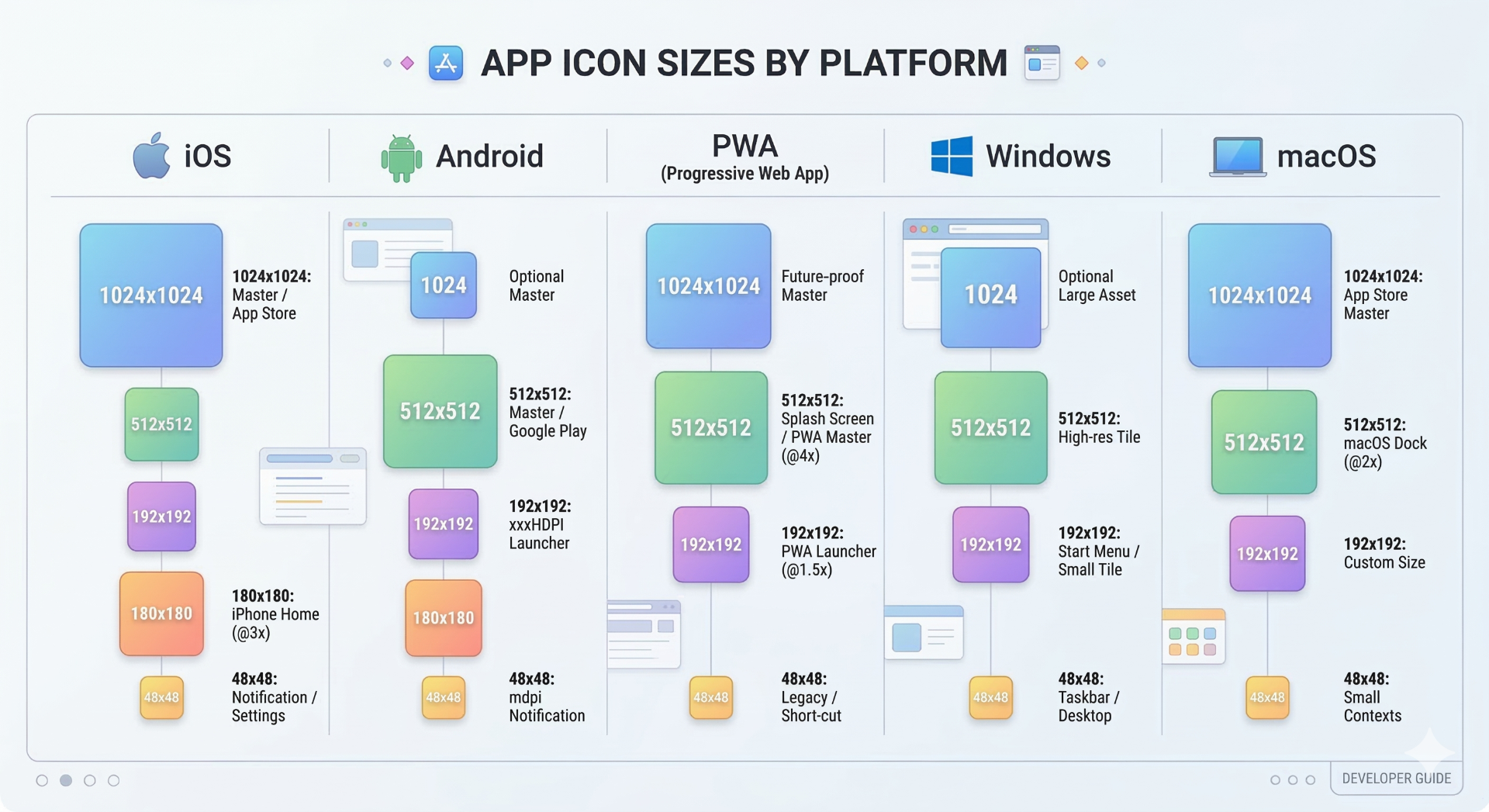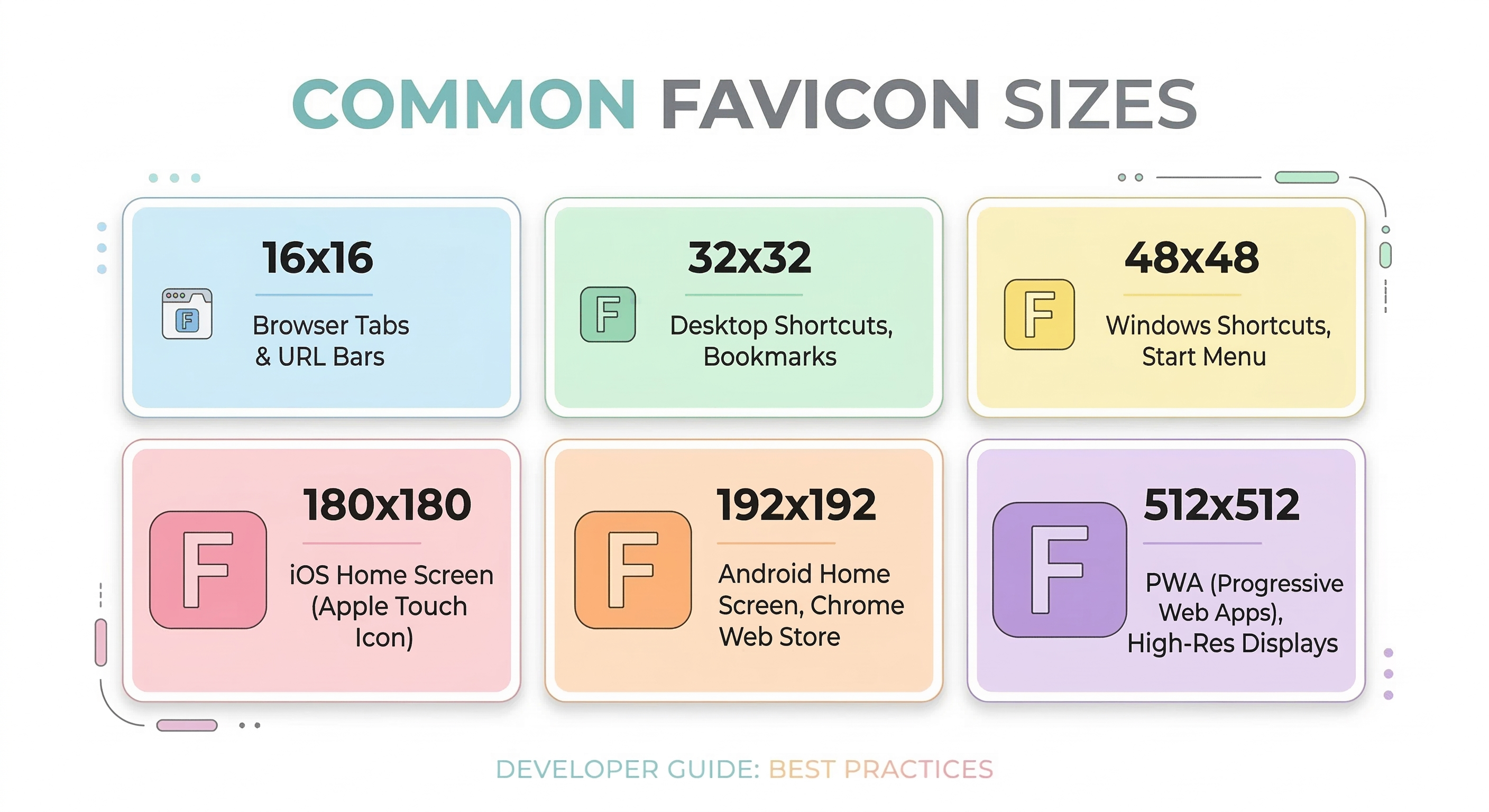
The most commonly recommended favicon sizes are 16×16, 32×32, 48×48, 180×180, 192×192, and 512×512. These sizes ensure compatibility with browsers, mobile devices, and modern web apps.
What Is a Favicon?
A favicon is a small icon that represents your website in browser tabs, bookmarks, and mobile home screen shortcuts. Even though the icon appears very small, it plays an important role in branding and user recognition.
Favicons help users quickly identify your site among many open tabs. A clear and properly sized favicon improves usability and gives your website a more professional appearance.
Ready to Generate Your Icons?
Use our Favicon Generator to create perfectly sized icons in seconds.
Open Favicon GeneratorRecommended Favicon Sizes
Modern browsers and devices expect several favicon dimensions. The most common sizes are listed below.
| Size | Usage |
|---|---|
| 16×16 | Browser tab icon |
| 32×32 | Browser bookmarks |
| 48×48 | Windows desktop icons |
| 180×180 | Apple Touch Icon |
| 192×192 | Android / PWA icons |
| 512×512 | Installable web apps |
Because different platforms require different dimensions, it is recommended to generate all favicon sizes from a single source image.
Favicon File Formats
Favicons are commonly generated in multiple formats.
ICO
Traditional favicon format that can contain multiple icon sizes in a single file.
PNG
Modern format widely supported by browsers and devices.
SVG
Vector-based format supported by modern browsers, but not universally required.
Most websites include both favicon.ico and PNG icons to ensure maximum compatibility.
Common Favicon Mistakes
Using only one favicon size
Many websites upload a single 32×32 icon. This can lead to blurry icons on high-resolution displays.
Using a low-resolution source image
If the original image is too small, generated icons may appear pixelated.
Forgetting Apple touch icons
Without them, iOS devices may show a default icon when users add the website to their home screen.
Best Practices for Favicons
Start with a square image of at least 512×512 pixels.
Keep the design simple so the icon remains recognizable even at small sizes.
Use a transparent background if possible.
Generate the full set of favicon sizes instead of manually resizing images.
Generate All Favicon Sizes Automatically
Instead of exporting each favicon size manually, you can generate the full set instantly.
Markifo allows you to upload a single image and automatically generate all required favicon sizes for modern browsers and devices.
Use our favicon generator tool to create all required icon sizes instantly.
Ready to Generate Your Icons?
Use our Favicon Generator to create perfectly sized icons in seconds.
Open Favicon Generator